How to Manage a Youth Sports Team (Without Losing Your Weeknights)
August 3, 2026
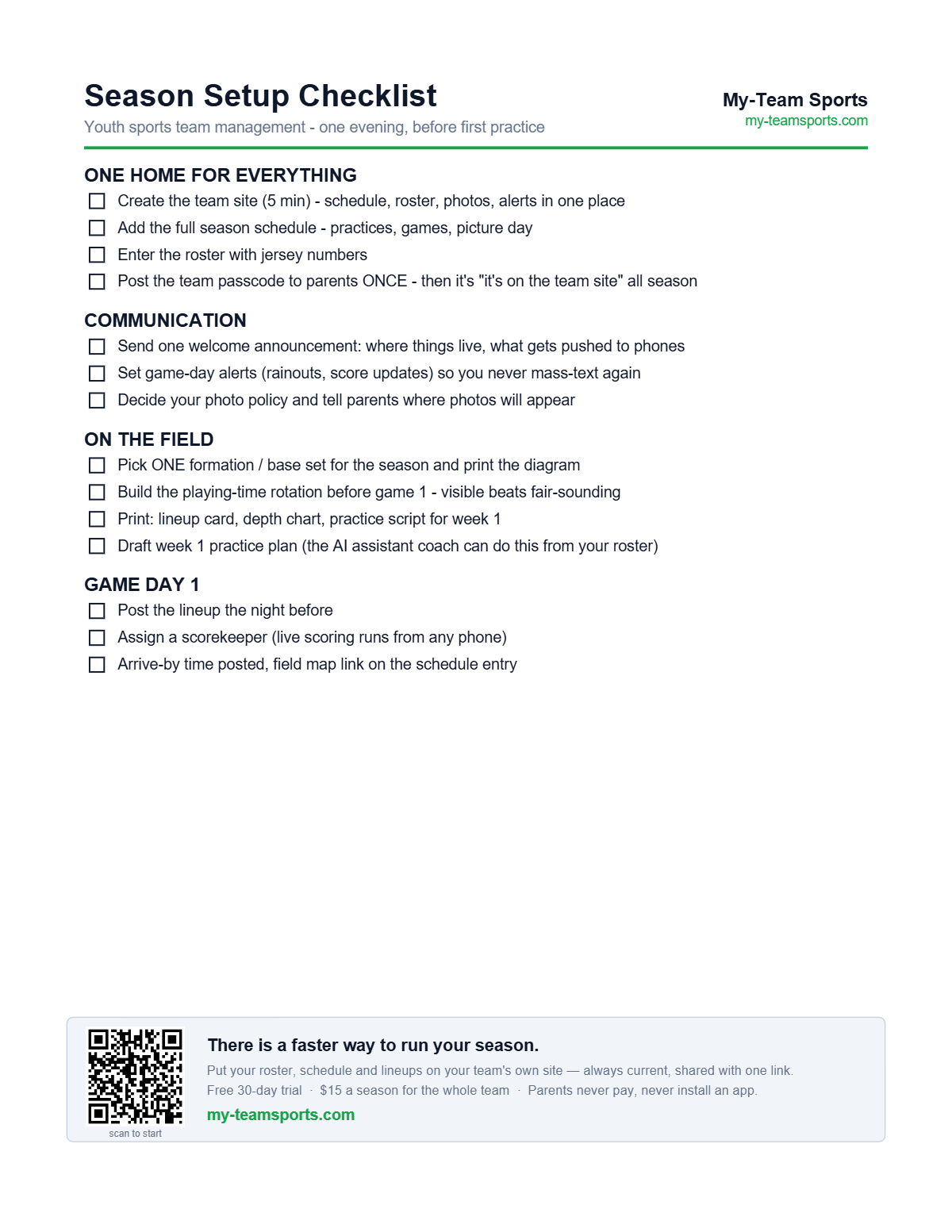
Nobody volunteers to manage a youth sports team. You volunteer to coach — and then discover the actual job is five jobs: keeper of the schedule, keeper of the roster, answerer of the same six questions, accountant of playing time, and game-day operations. The coaches who look effortlessly organized aren't working harder; they've stopped doing those five jobs by text message. Here's the system.
Rule one: one home for everything
The failure mode of team management is fragmentation: schedule in one app, photos in a group text, roster in a spreadsheet, directions in last Tuesday's email. Every parent question you answer by text is a symptom of information having no home. Pick one place — a team site parents can open like an app — and enforce a one-line policy all season: "it's on the team site." The first week feels repetitive. By week three the questions stop.
The five jobs, systemized
| The job | By text message | With a system |
|---|---|---|
| Schedule | "Wait, is practice moved?" x 14 parents | One schedule, updates push to everyone |
| Roster | A spreadsheet only you can see | Roster on the team site, always current |
| Communication | Group text with 212 unread messages | Announcements parents actually see |
| Playing time | Mental math mid-game, complaints after | Rotation planned and visible before kickoff |
| Game day | "What field? Who's scoring? Where's the lineup?" | Alerts, live score, lineup — all posted |
What parents actually want
Parents don't want more messages — they want fewer surprises. Where and when, with changes pushed to their phone. Proof their kid is part of it: photos and fair minutes. And no homework: no app to install, no account to create, no thread to scroll. Meet those three and the sideline gets remarkably quiet.
What this looks like on My-Team Sports
This is exactly what My-Team Sports was built for: a coach account creates the team, and parents get a passcode-protected team site with the schedule, roster, photos, live scores, and game-day alerts — no app store, no parent accounts. The AI assistant coach drafts practice plans and pre-game briefings from your actual roster. Setup takes five minutes; the checklist above walks the rest of the season.
Related coaching tools
Frequently asked questions
What's the best way to manage a youth sports team?
Put everything in one place parents can reach without installing anything — schedule, roster, announcements, photos, lineups — and enforce "it's on the team site" all season. Fragmentation across texts, emails, and spreadsheets is what makes the job feel like three jobs.
Do parents need to download an app?
Not on My-Team Sports. Parents open the team site in their browser and can add it to their home screen like an app — no app store, no accounts. They enter the team passcode once and they're in for the season.
How much does a team management site cost?
My-Team Sports is $15 for the 2026 season per team, or $20 with the AI assistant coach included. Parents always free, unlimited.